Selling photos with digital art effects as prints
This is a post for those interested in selling their photos as prints and adding some extra “spice” to the image by adding various digital art effects to create oil, watercolors or various pencil or charcoal images. However, I have also sold some of these as stock photos, so there is perhaps a dual opportunity. Why now? I use Jixipix apps to create these digital art effects, and they always have a big sale around Thanksgiving and Black Friday and so I’m giving you the opportunity to think about what might be interesting to you in advance of that. And, of course, I have an affiliate link to the Jixipix professional plugins that I hope you might use!
I have been using these apps for many years now and so have created a lot of different styles over the years. There are far more complex painting applications out there, but I like the way these apps give you multiple preset options so that you find one that looks right with your image and then you can make adjustments to that particular style. I always use the apps in Photoshop as I tend to create a layer copy of the original image and the add the painting effect to the layer. Then, if you want to add a little more realistic detail to a part of the painting, you can add a mask and very slowly introduce details from the original photo.
Jixipix Pastello
This app adds dry media effects to the photo, such as pencil, crayon, charcoal and more. Here are some examples of using those effects.
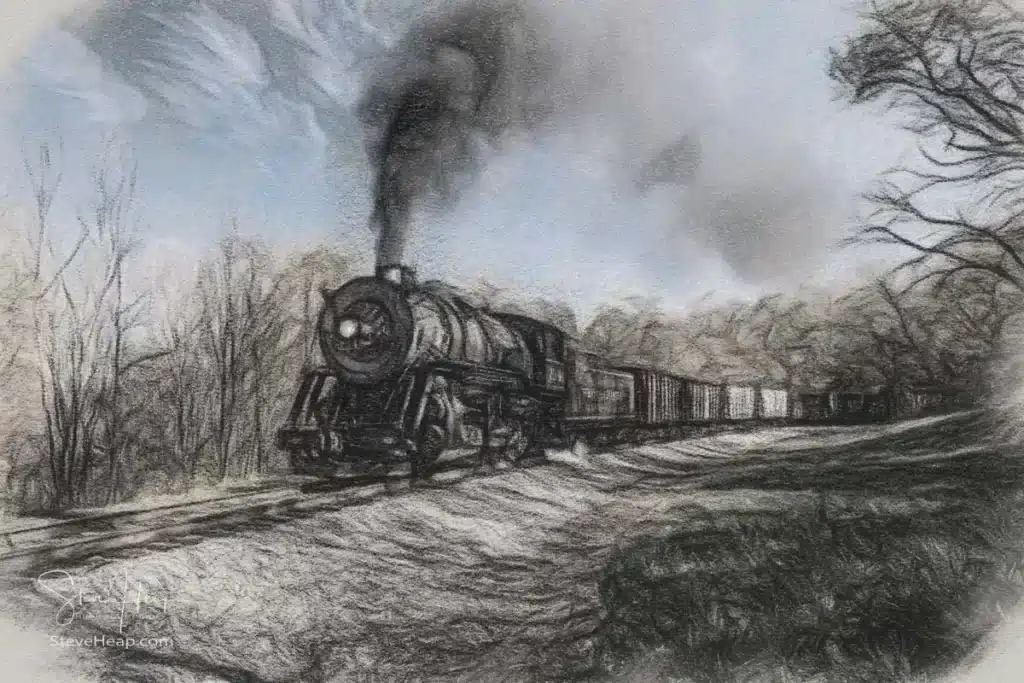
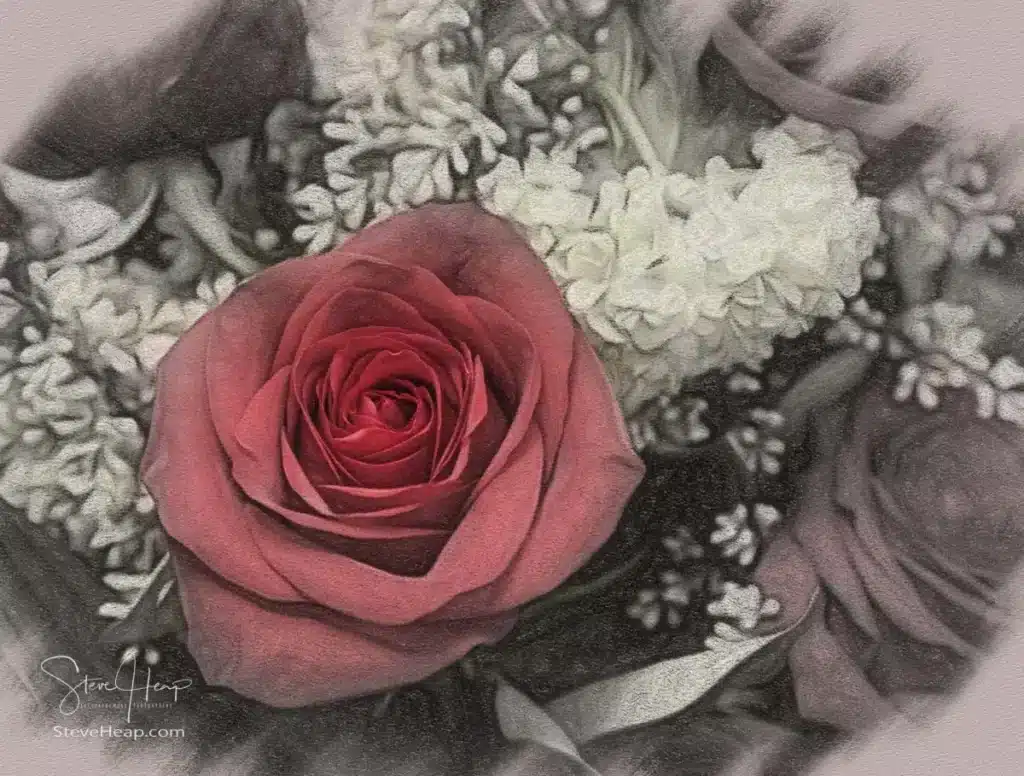
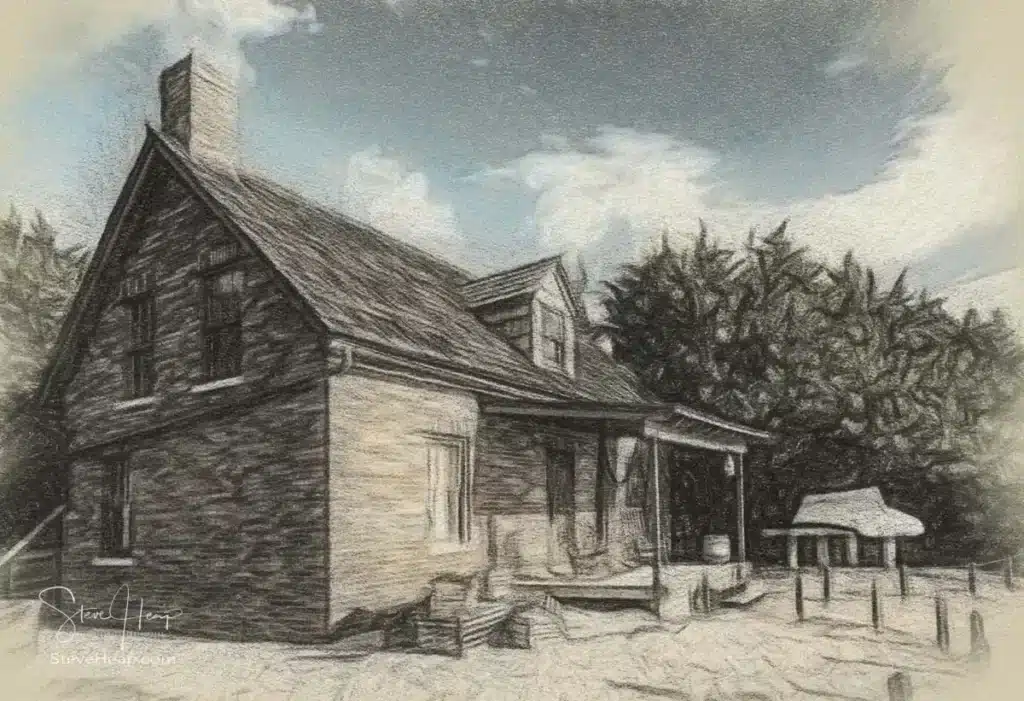
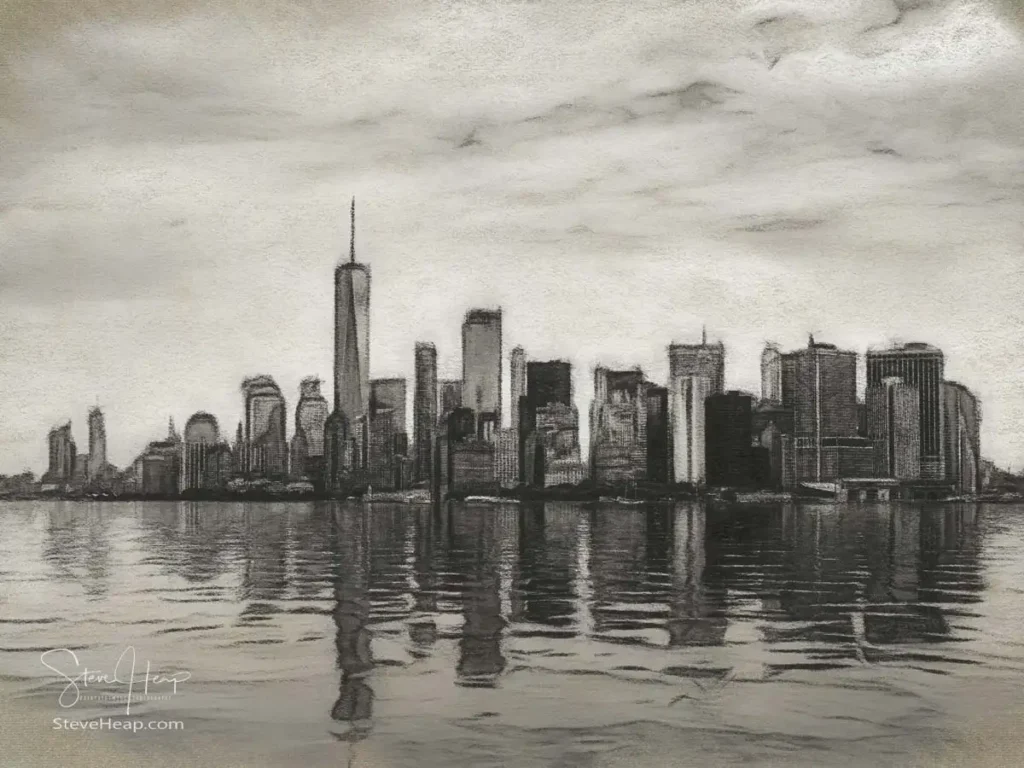
This one of the New York skyline has sold multiple times as a wall mural.
Jixipix Impresso Pro
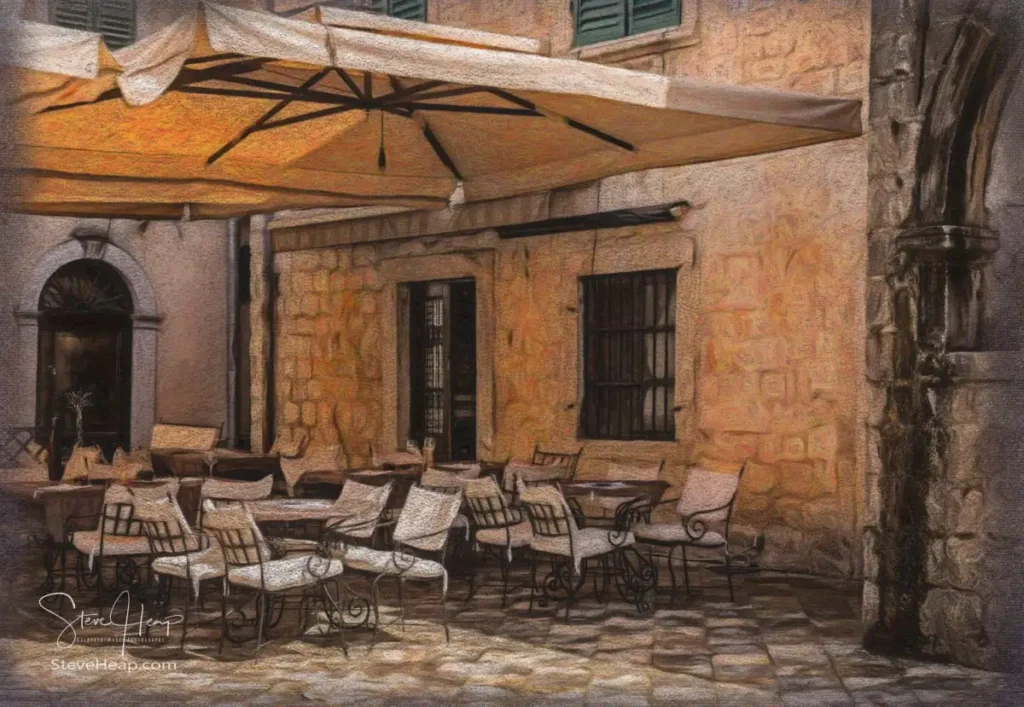
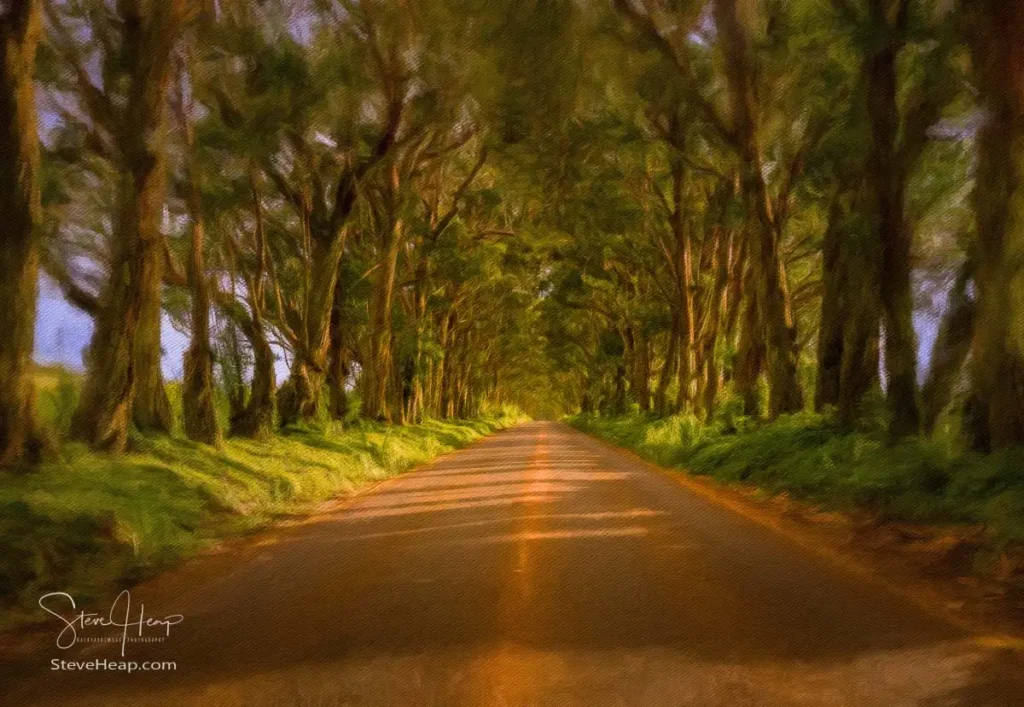
The Impresso Pro is probably my favorite app, as creates a wide range of impressionistic oil paintings.

This one of the Hawaiian canoe has sold multiple times as a print – usually on canvas but also as a large metal print.

Jixipix Watercolor Studio
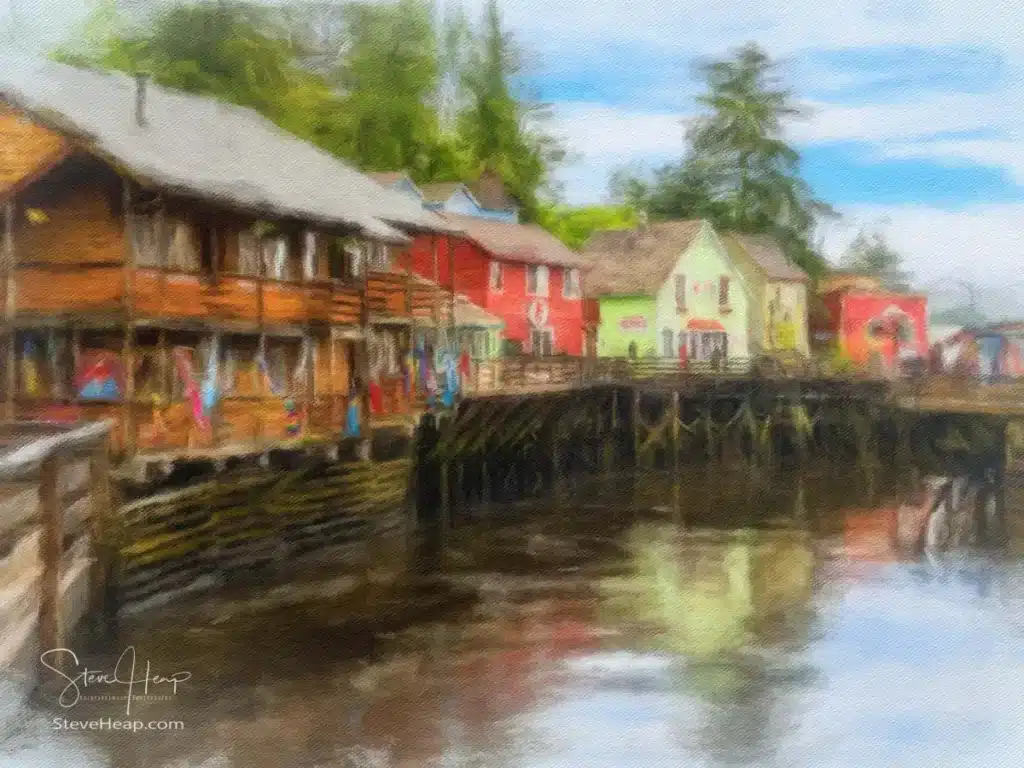
Finally, the watercolor treatments. The first of these, of San Diego, sells reasonably often on Adobe Stock. It is a bit more complicated uploading these types of images as you need to prove that the underlying photo was yours, so you need to create a property release with a photo of the original in it. But it can be worthwhile.
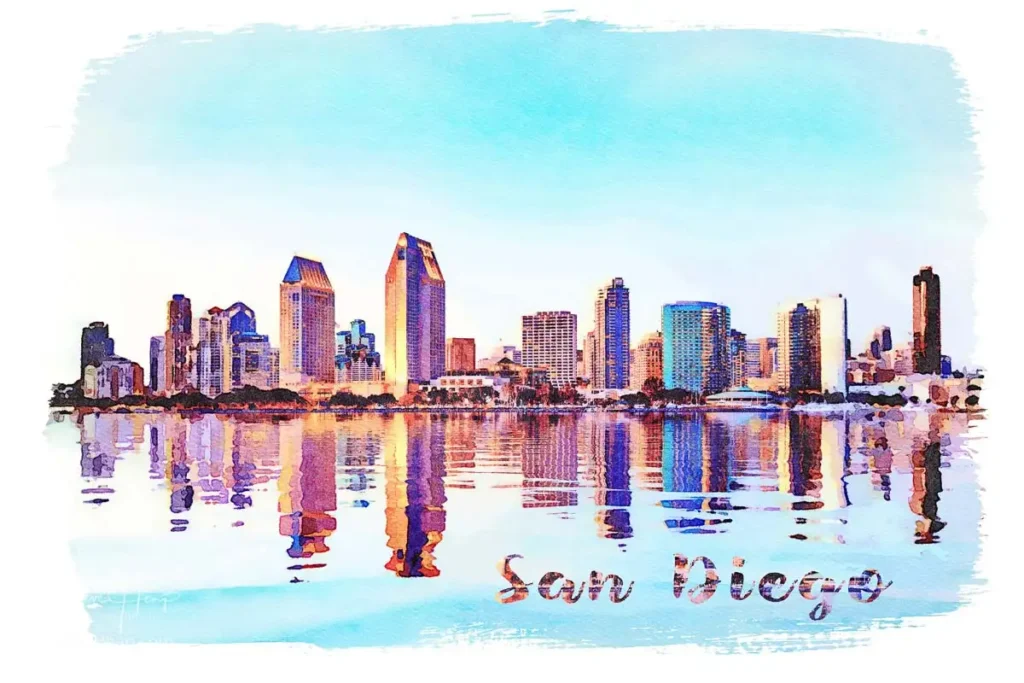
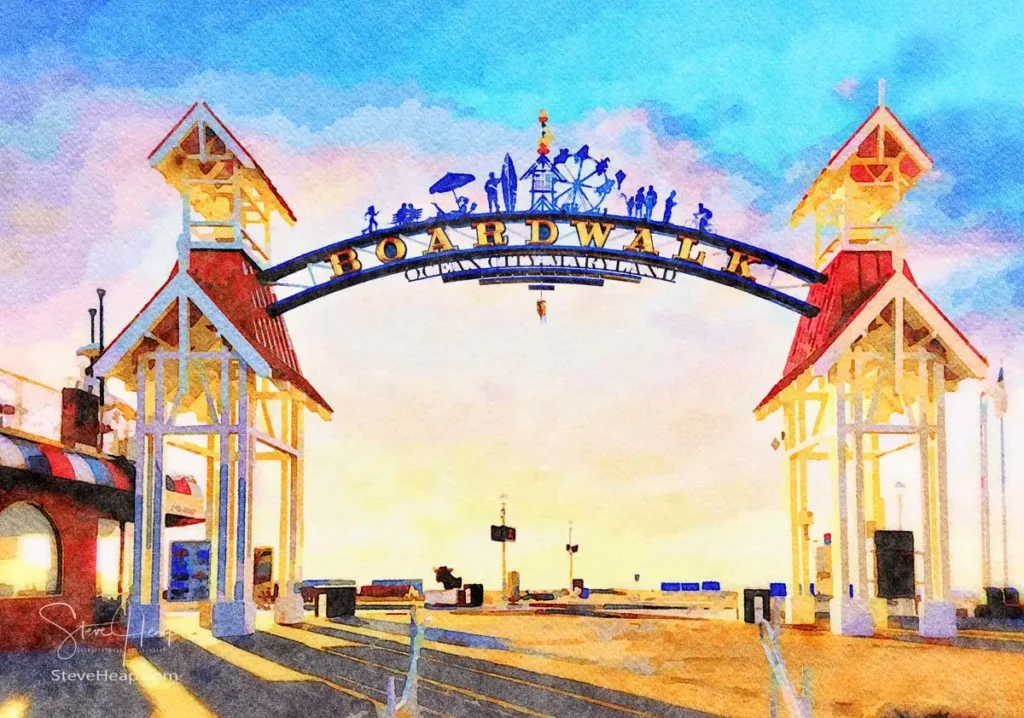
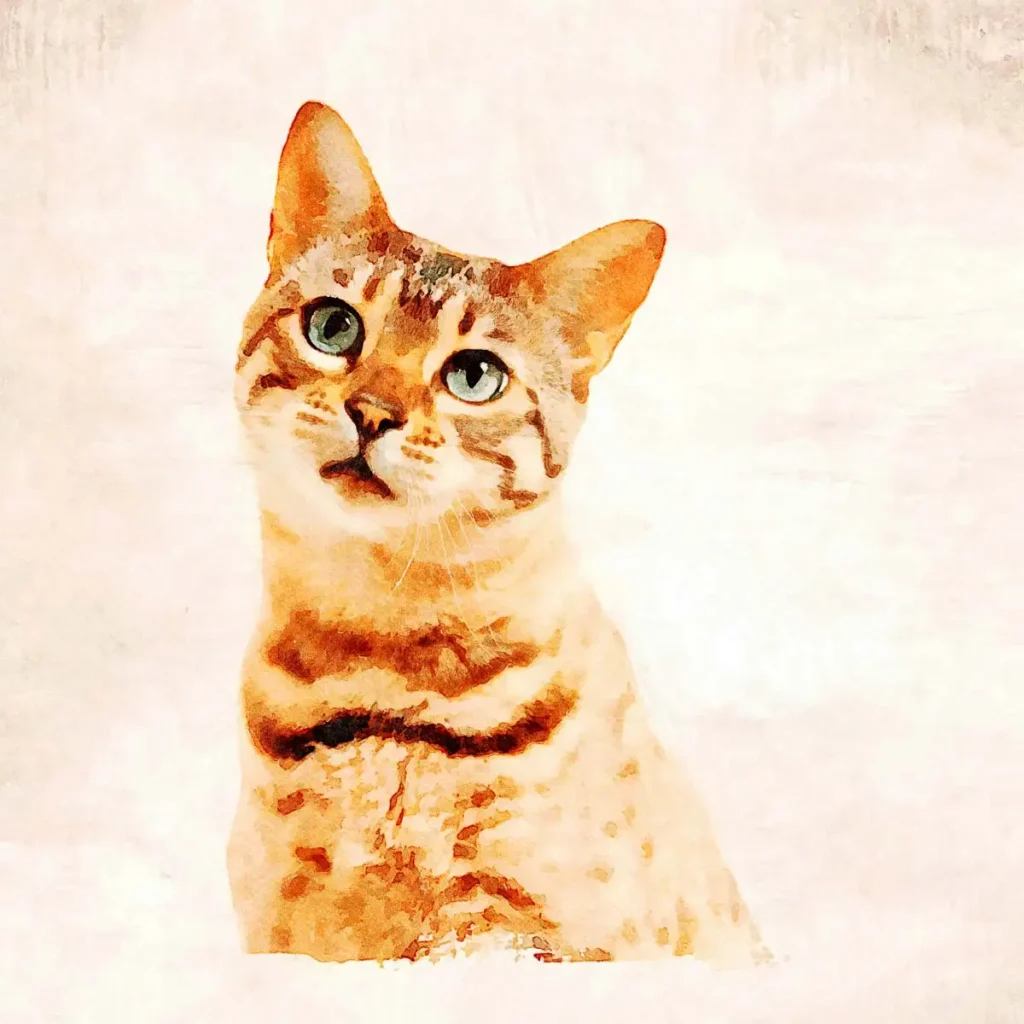
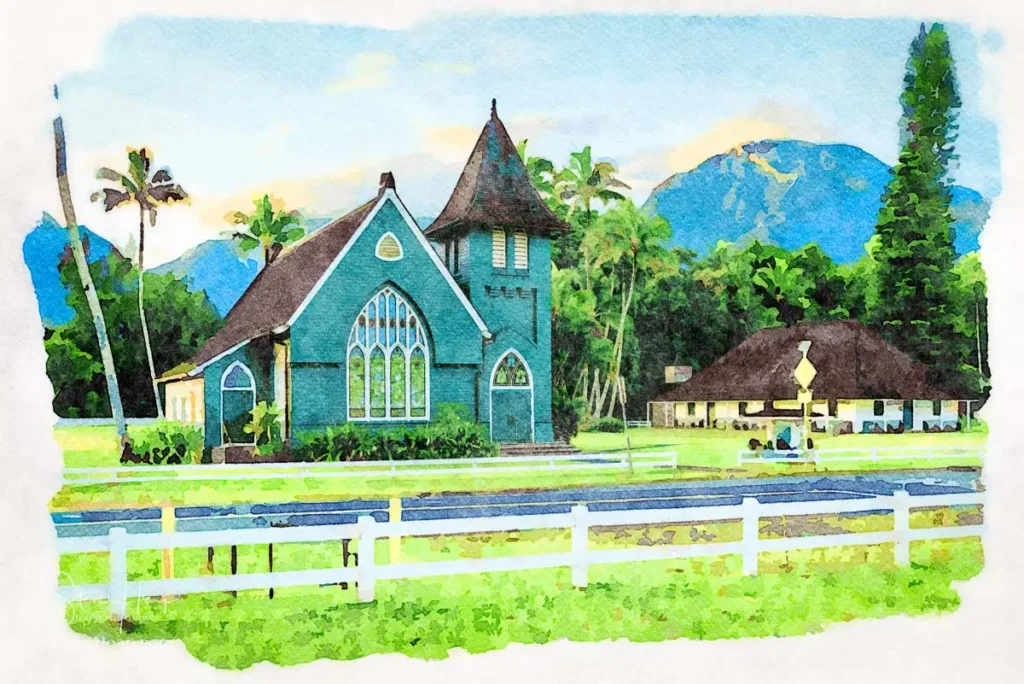
I have added links under each photo to my portfolio where it can be bought as a print – not because I think anyone reading this will likely want a print of my work, but I’m sure Google will follow the link and add another way for someone to search for it! I will watch out for any advance warning I get of the sale later this month and post something about it here. Hope this is helpful for those interesting in branching out into selling prints.
Incidentally, I do sell quite a number of these prints in my Etsy store, and I recently noticed that Capital One Shopping offers a discount if you buy things from Etsy. This would be worth using if you are planning to buy something from Etsy in the coming holiday season.


Are there any tutorials for Jixipix, or even more of interest, are you planning to show a step by step tutorial of a couple of your photos edited in Jixipix?
There are. https://jixipix.com/tutorials.html
I’ve just seen this page as I have never really had to look up their tutorials before. They are pretty easy to use, just look at the various presets which you think might fit your image and you see what the effect would look like. There are layers inside each preset and you can click them on and off to see what the layer does and then within each layer (including the canvas) there are various options to pick. But it is all self-explanatory to a large extent.